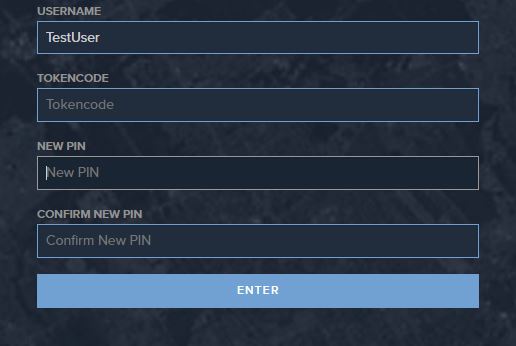
Steps to set token PIN
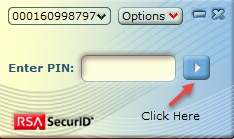
1. Open RSA application2. Leave the PIN field blank and click on the .Play. button to the
right of the field. This will generate a Tokencode.
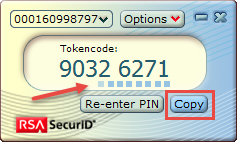
3. Click on the Copy button below Tokencode and paste the code
into the Passcode section of the login screen.
Ensure there is adequate time remaining on the Tokencode timer.
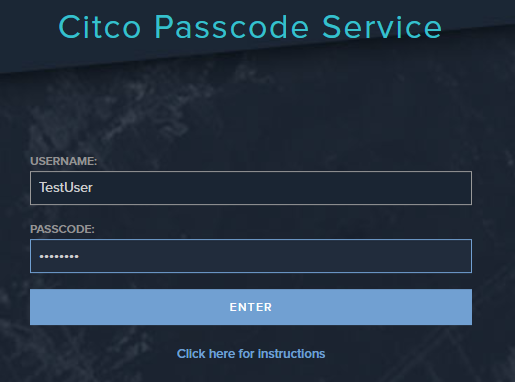
4. Click on Enter and follow the onscreen prompts to set your PIN.
5. Enter username and copy and paste the Tokencode from RSA
then enter New PIN and Confirm New PIN